




















































Search icon CANCEL
Subscription
0
Cart icon
Your Cart (0 item)
Close icon
You have no products in your basket yet
Save more on your purchases! discount-offer-chevron-icon
Savings automatically calculated. No voucher code required.
Arrow left icon
Explore Products
Best Sellers
New Releases
Books
Events
Videos
Audiobooks
Packt Hub
Free Learning
Arrow right icon
timer SALE ENDS IN
0 Days
:
00 Hours
:
00 Minutes
:
00 Seconds
Arrow up icon
GO TO TOP
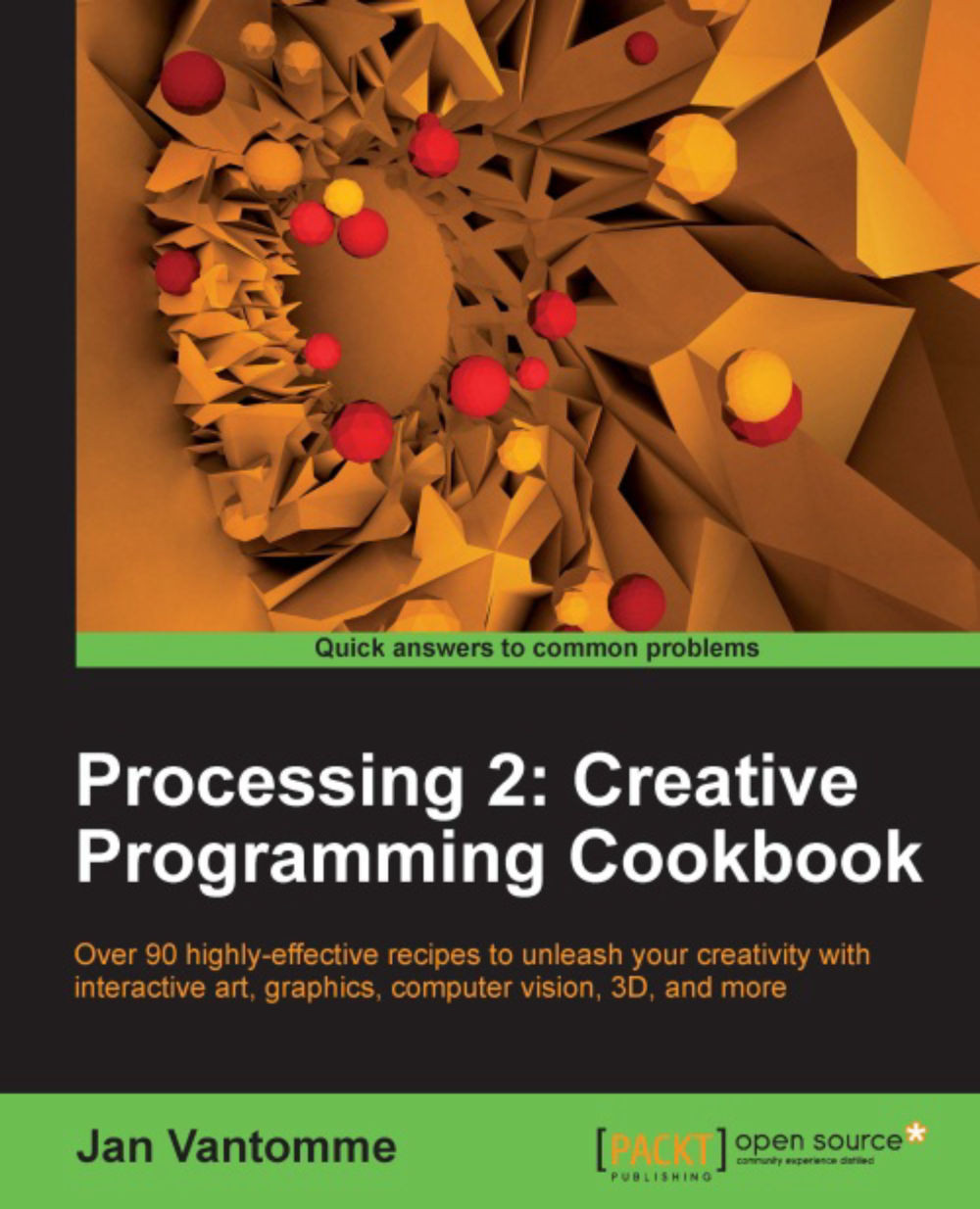
Processing 2: Creative Programming Cookbook

You're reading from   Processing 2: Creative Programming Cookbook Over 90 highly-effective recipes to unleash your creativity with interactive art, graphics, computer vision, 3D, and more

Arrow left icon
Product type Paperback
Published in Sep 2012
Publisher Packt
ISBN-13 9781849517942
Length 306 pages
Edition 1st Edition
Languages
Arrow right icon
Author (1):
Arrow left icon
Jan Vantomme Jan Vantomme
Author Profile Icon Jan Vantomme
Jan Vantomme
Arrow right icon
View More author details
Toc

Table of Contents (13) Chapters Close

Preface 1. Getting Started with Processing 2 FREE CHAPTER 2. Drawing Text, Curves, and Shapes in 2D 3. Drawing in 3D–Lights, Camera, and Action! 4. Working with Data 5. Exporting from Processing 6. Working with Video 7. Audio Visualization 8. Exploring Computer Vision 9. Exploring JavaScript Mode 10. Exploring Android Mode 11. Using Processing with Other Editors Index

Creating a custom HTML template


Now that you know how the JAVASCRIPT mode works, it's time to create your own HTML template. This is really handy if you want to take full control of the layout of the web page before showing it on the Internet. The standard HTML might be handy for testing, but it may not be the best way to display your art.

Getting ready

For our template, we'll use the HTML5 Reset Stylesheet made by Richard Clark. This CSS file will reset margins, paddings, and some other CSS properties, to ensure that you'll have a blank slate to start building your own CSS file. This is a good practice to make sure your website looks the same in every browser. This CSS file can be found at http://html5doctor.com/html-5-reset-stylesheet/.

How to do it...

I won't show you any Processing code in this recipe. You can use the code from the previous recipe. We'll take a look at the HTML and CSS codes we need to create a custom template that you can use for your sketches. To create a new template...

lock icon The rest of the chapter is locked
CONTINUE READING
83
Tech Concepts
36
Programming languages
73
Tech Tools
Icon Unlimited access to the largest independent learning library in tech of over 8,000 expert-authored tech books and videos.
Icon Innovative learning tools, including AI book assistants, code context explainers, and text-to-speech.
Icon 50+ new titles added per month and exclusive early access to books as they are being written.
Processing 2: Creative Programming Cookbook
Register for a free Packt account to unlock a world of extra content!
A free Packt account unlocks extra newsletters, articles, discounted offers, and much more. Start advancing your knowledge today.
Unlock this book and the full library FREE for 7 days
Get unlimited access to 7000+ expert-authored eBooks and videos courses covering every tech area you can think of
Renews at $19.99/month. Cancel anytime
Modal Close icon
Modal Close icon



