




















































Search icon CANCEL
Subscription
0
Cart icon
Your Cart (0 item)
Close icon
You have no products in your basket yet
Save more on your purchases! discount-offer-chevron-icon
Savings automatically calculated. No voucher code required.
Arrow left icon
Explore Products
Best Sellers
New Releases
Books
Events
Videos
Audiobooks
Packt Hub
Free Learning
Arrow right icon
timer SALE ENDS IN
0 Days
:
00 Hours
:
00 Minutes
:
00 Seconds
Arrow up icon
GO TO TOP
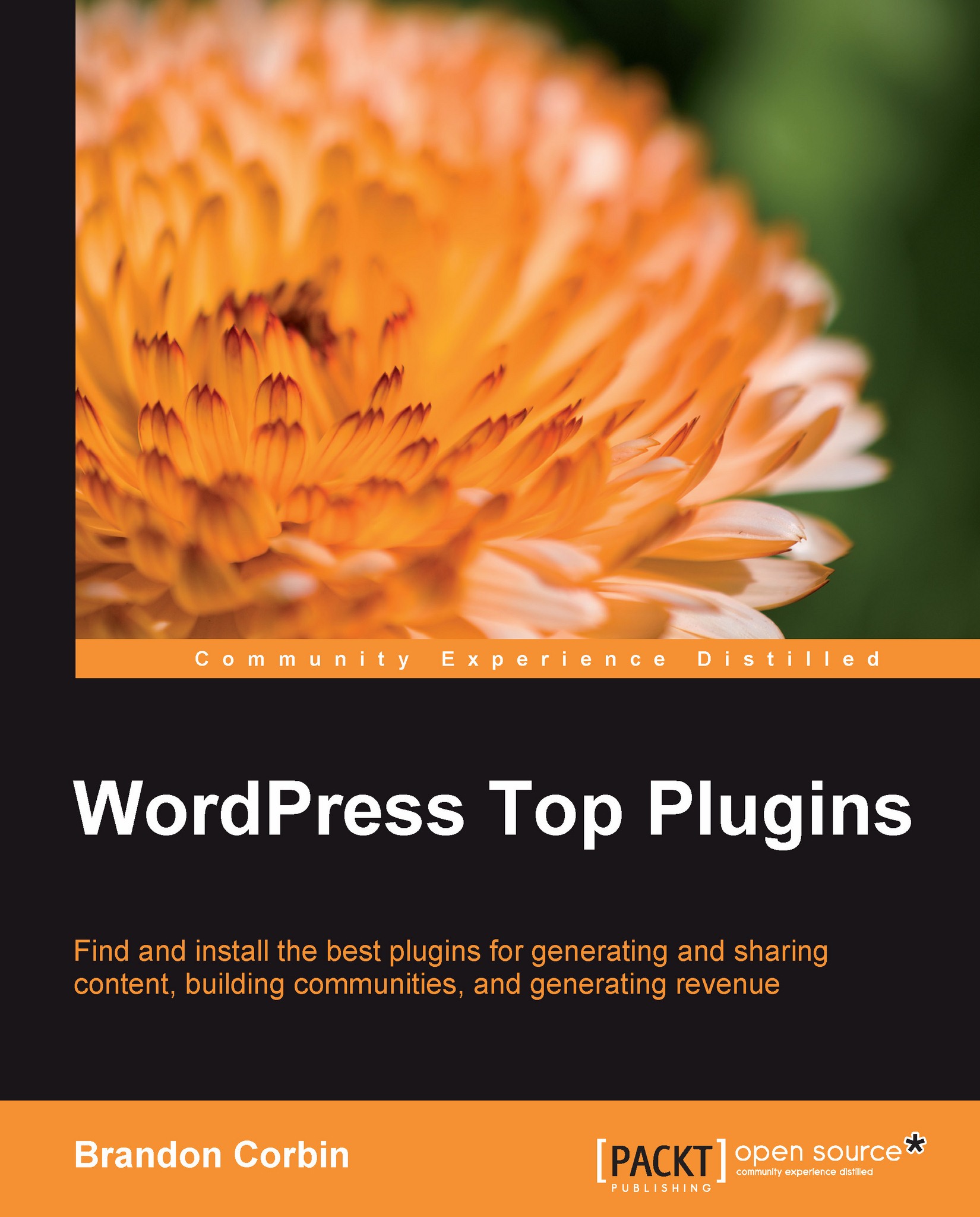
WordPress Top Plugins

You're reading from   WordPress Top Plugins Find and install the best plugins for generating and sharing content, building communities and generating revenue

Arrow left icon
Product type Paperback
Published in Sep 2010
Publisher Packt
ISBN-13 9781849511407
Length 254 pages
Edition 1st Edition
Languages
Concepts
Arrow right icon
Author (1):
Arrow left icon
Brandon Corbin Brandon Corbin
Author Profile Icon Brandon Corbin
Brandon Corbin
Arrow right icon
View More author details
Toc

Table of Contents (12) Chapters Close

Preface 1. Plugin Basics 2. Generating Content FREE CHAPTER 3. Sharing Content 4. Style and Function 5. Building a Community with BuddyPress 6. Generating Revenue 7. Working with Multiple Authors 8. Security and Maintenance 9. Power Admin 10. Time for Action Index

Chapter 1. Plugin Basics

There is literally a plugin for almost anything you want to achieve in WordPress. A quick glance at the WordPress Plugin Directory will show you just how many options are available. Admin, Ajax, Comments, Google, Posts, Sidebar, Twitter, and Widgets are all so very well represented that finding the right one can be a full-time gig. Twitter alone has over 200 plugins dedicated to pulling, pushing, and searching through its masses of data. However, before we can auto-tweet a post, or dynamically interleave links to Amazon products, we have to comprehend how a plugin works, and more importantly, how to install and activate them on our blog.

Every plugin is written in PHP (an awesome open source programming language) and are usually accompanied by various other internet file types such as CSS, Javascript, XML, images, JSON files, and so on. Thanks to WordPress's open architecture, developers can inject their plugin's code throughout your blog without you having to touch a single line of code, unless, of course, you want to.

In this chapter, we cover the following:

  • Installing plugins
  • How plugins work
  • Troubleshooting plugins
lock icon The rest of the chapter is locked
CONTINUE READING
83
Tech Concepts
36
Programming languages
73
Tech Tools
Icon Unlimited access to the largest independent learning library in tech of over 8,000 expert-authored tech books and videos.
Icon Innovative learning tools, including AI book assistants, code context explainers, and text-to-speech.
Icon 50+ new titles added per month and exclusive early access to books as they are being written.
WordPress Top Plugins
Register for a free Packt account to unlock a world of extra content!
A free Packt account unlocks extra newsletters, articles, discounted offers, and much more. Start advancing your knowledge today.
Unlock this book and the full library FREE for 7 days
Get unlimited access to 7000+ expert-authored eBooks and videos courses covering every tech area you can think of
Renews at $19.99/month. Cancel anytime
Modal Close icon
Modal Close icon









