





























































Keyboard access
Almost all the menus are accessible with appropriate keyboard shortcuts. Some of the key features of SQL Developer that can be accessed via keyboard are listed as follows:
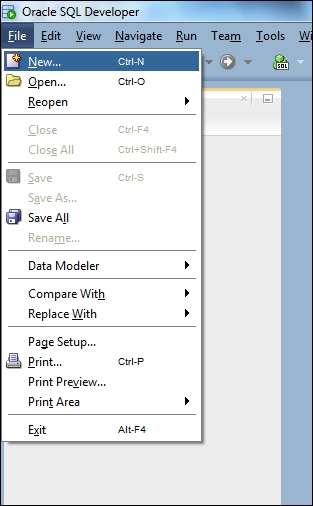
- Users can navigate to and invoke all menu items:
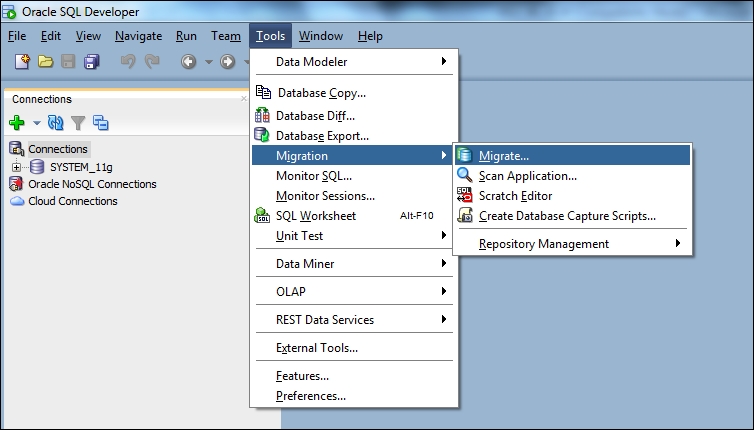
- All toolbar functions are accessible through menu items:
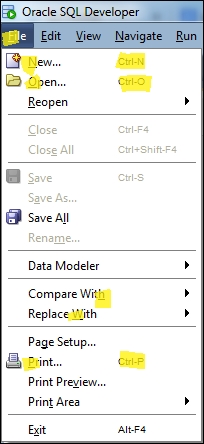
- All menus and menu items have unique and functioning mnemonic keys. All the yellow shaded keys in following screenshot give the examples of the existing mnemonic keys:
- All context menus within the navigators and source editor can be invoked:

- Frequently used menu items have unique accelerator keys:
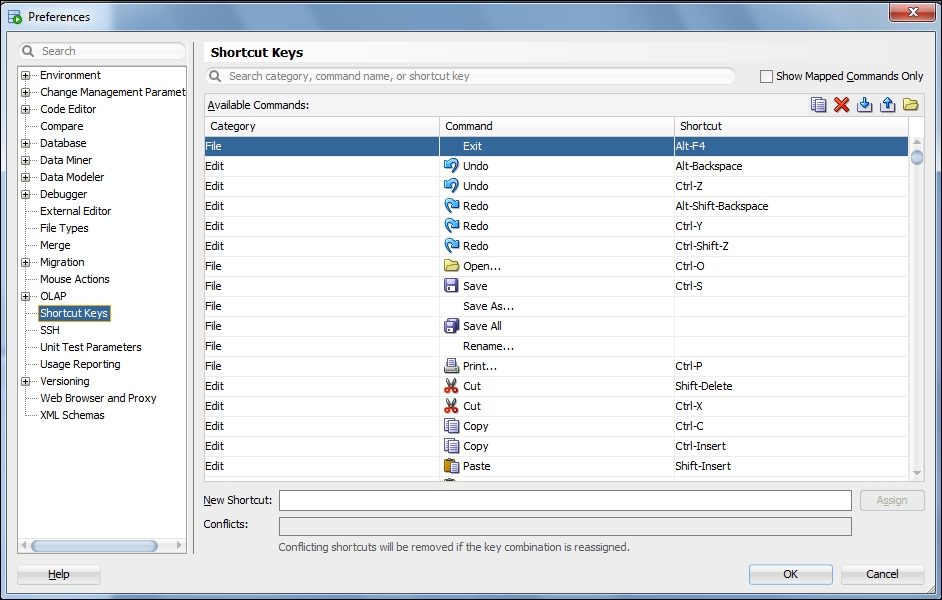
The following functionalities are available in SQL Developer windows. You can do the following:
- Navigate between all open windows, to all nodes within a window or pane, and between tabs in a window
- Set focus in a window or pane
- Invoke all controls within a window or pane, and perform basic operations
- Navigate and update properties in the Property Inspector
- Use Completion Insight and Code Templates in the source editor...











